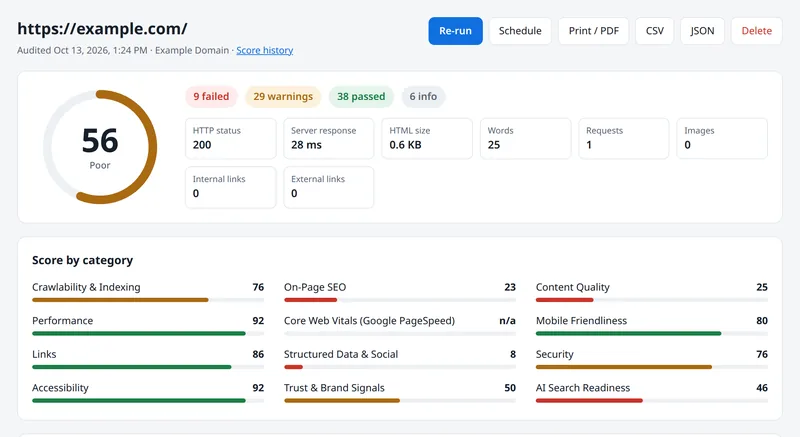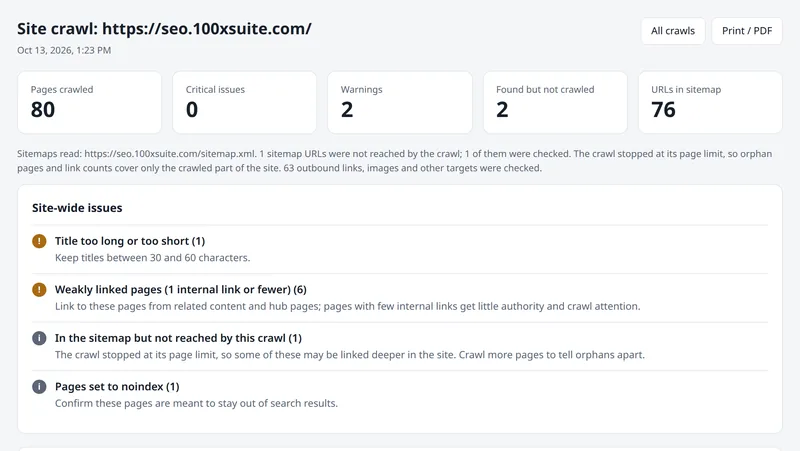
Spider's keyword research shows how many people search for a keyword each month, how hard it is to rank for, what advertisers pay per click and how interest is trending, along with related keywords and the questions Google shows. You can then see the current Google results and audit the top-ranking pages in one click.
What data does keyword research show?
| Metric | Use it to |
|---|---|
| Monthly search volume | Size the opportunity |
| Keyword difficulty | Judge how hard ranking will be |
| Cost per click | Gauge commercial value |
| 12-month trend | Spot seasonal demand, such as admission season |
| Related keywords and questions | Plan supporting content and FAQs |
Can you see who ranks for a keyword?
Yes. The Google results view lists the top results, "People also ask" questions and other result features. "Audit the top pages" runs Spider's audit on the leading results so you can compare them with your page.
Can you research keywords for one country or language?
Yes. Choose a country and one of its supported languages, so you can research English and Hindi searches in India separately.
Where does the data come from?
From Google search data through Spider's data provider, pay as you go. Lookups are cached for 7 days so repeat views are free. Read the keyword research guide for a step-by-step method.
Try Spider on your site
Start with a free check of any page, then create a free account to use every feature in full.