HTTPS is a confirmed, lightweight Google ranking signal, and browsers mark plain HTTP pages as "Not secure", which drives visitors away. Security headers are not ranking factors themselves, but they protect visitors from common attacks, and a hacked site loses rankings fast. Serve every page over HTTPS, redirect HTTP to HTTPS, and add a few response headers.
What does a secure setup start with?
- A valid TLS certificate covering every hostname you use. Free certificates are available from Let's Encrypt and most hosts and CDNs.
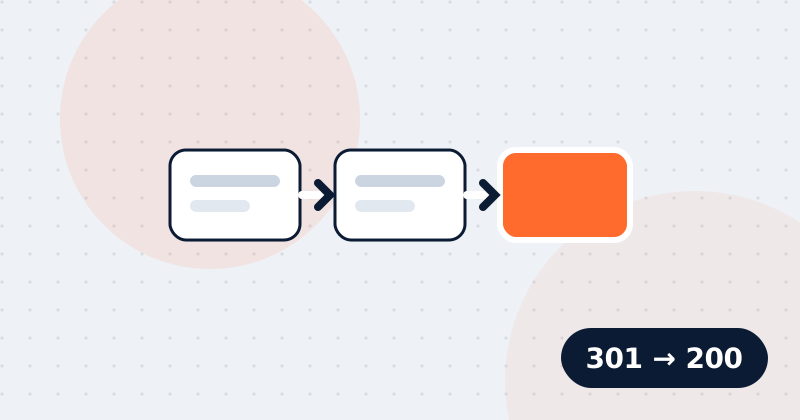
- A permanent (301) redirect from every
http://URL to itshttps://version. - No mixed content: every image, script and stylesheet on an HTTPS page must also load over HTTPS.
Which headers should you add?
| Header | Starting value | Protects against |
|---|---|---|
| Strict-Transport-Security | max-age=31536000; includeSubDomains | Downgrade to HTTP |
| Content-Security-Policy | Start with default-src 'self' and allow what you use | Injected scripts (XSS) |
| X-Content-Type-Options | nosniff | Files being run as the wrong type |
| X-Frame-Options or CSP frame-ancestors | DENY or frame-ancestors 'none' | Clickjacking |
| Referrer-Policy | strict-origin-when-cross-origin | Leaking full URLs to other sites |
| Permissions-Policy | camera=(), microphone=(), geolocation=() | Unwanted access to device features |
How do you add them?
Headers are set by the web server, the application or the CDN, not in the HTML. In nginx they are add_header lines; in Apache, Header set; most CDNs have a rules screen for response headers. Add Content-Security-Policy last and test it carefully, because a policy that is too strict blocks your own scripts. Many sites start with Content-Security-Policy-Report-Only to see what would break.
Should you hide the server version?
Yes. Headers such as Server: Apache/2.4.41 or X-Powered-By: PHP/7.4 tell attackers exactly which known vulnerabilities to try. Remove the version numbers.
How do you check them?
Run an audit of any page to see which headers are present, or use MDN's HTTP Observatory. MDN's HTTP headers reference explains every option.
Check this on your own site
Spider's free check tests this and about 100 other things on any page, and links each problem to a guide like this one.