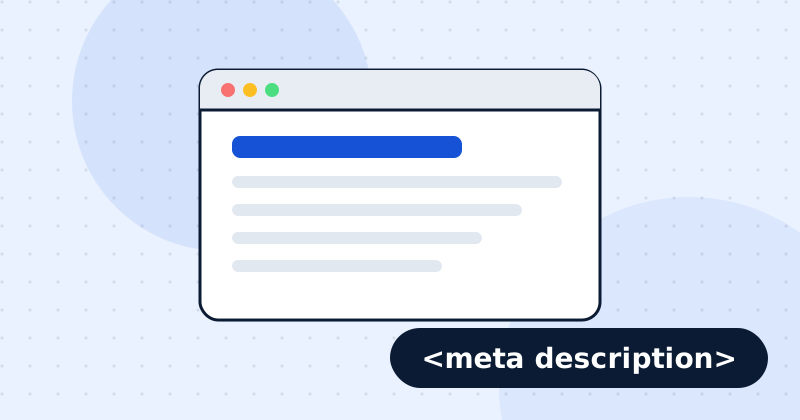
A meta description is the short summary in a page's HTML that search engines often show under the title in results. It is not a direct ranking factor, but a clear, specific description earns more clicks, and more clicks means more traffic from the same ranking. Aim for 120 to 155 characters that say what the page offers and why someone should open it.
What does the tag look like?
It goes in the page's <head>:
<meta name="description" content="Book a dental check-up in Pune from ₹499. Same-week appointments, Monday to Saturday, with x-rays included.">How long should a meta description be?
Google cuts descriptions by width in pixels, not by a fixed number of characters, and roughly 150 to 160 characters fit on desktop. Keep the important words in the first 120 characters so they survive on mobile. Under about 70 characters usually wastes space you could use to persuade.
Why does Google rewrite meta descriptions?
Google shows the text it thinks best matches each search. If your description is missing, vague, stuffed with keywords or does not match what the searcher asked, Google picks a passage from the page instead. A specific description that matches the page's main topic is shown more often.
A simple formula
- Say what the page offers, using the words people search for.
- Add one specific detail: a price, a number, a location, a time.
- End with a reason to click.
Before: "Welcome to our website. We offer the best services. Contact us today."
After: "Compare 12 SEO audit tools side by side: price, number of checks, crawl limits and AI search features. Updated for 2026."
Common mistakes
- The same description on many pages. Every important page needs its own.
- Keyword stuffing. Write for the person reading the results.
- Promises the page does not keep. Visitors bounce back to the results.
- Using quotation marks carelessly. A double quote can cut the description short in some HTML.
How do you check your descriptions?
Run an audit of a single page to see its description and length, or crawl the site to find pages with missing or duplicate descriptions. Google's guidance is in Control your snippets in search results.
Check this on your own site
Spider's free check tests this and about 100 other things on any page, and links each problem to a guide like this one.