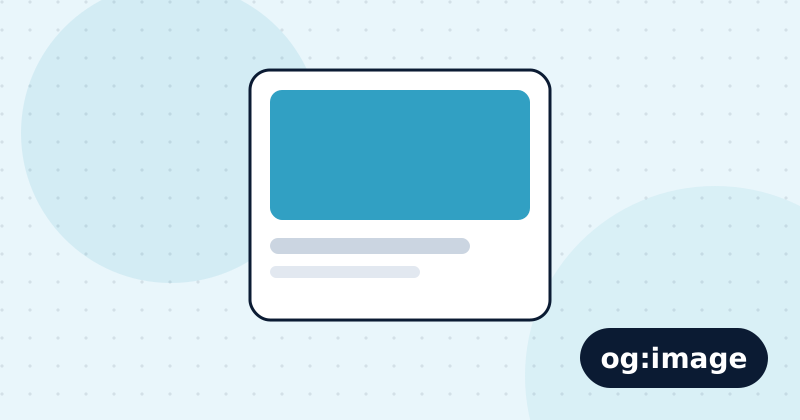
Open Graph tags are meta tags that control how a page looks when someone shares its link on LinkedIn, Facebook, WhatsApp, Slack and many other apps. Without them, apps guess, and often show no image or the wrong text. With them, every shared link becomes a clear card with your title, summary and image.
Which tags do you need?
<meta property="og:type" content="website">
<meta property="og:title" content="Free SEO Audit Tool | Spider SEO Auditor">
<meta property="og:description" content="Check any page against about 100 SEO tests in a minute.">
<meta property="og:url" content="https://www.example.com/">
<meta property="og:image" content="https://www.example.com/og-image.png">
<meta name="twitter:card" content="summary_large_image">
Use absolute URLs, including https://, for og:url and og:image. X falls back to the Open Graph tags for the title, description and image, so twitter:card is the only X-specific tag most sites need.
What size should the image be?
Use 1200 × 630 pixels, a 1.91:1 ratio, as a PNG or JPG under about 5 MB. Keep important text away from the edges because some apps crop the image. Add og:image:width and og:image:height so apps can show it on the first share.
Do Open Graph tags help SEO?
They are not a Google ranking factor. They affect how many people click when your links are shared, which brings visits, and shared links are how many pages earn their first links and mentions.
How do you test them?
Paste the URL into LinkedIn Post Inspector or the Facebook Sharing Debugger. Both also refresh their cached copy after you change the tags. The full protocol is at ogp.me.
Common mistakes
- Relative image URLs such as
/og.png, which most apps cannot load. - An image smaller than 600 pixels wide, shown as a tiny thumbnail.
- The same title and image on every page.
- Blocking the image path in robots.txt.
Check this on your own site
Spider's free check tests this and about 100 other things on any page, and links each problem to a guide like this one.